How to create an online course with AI, then sell it
To create an online course, type your topic. PersonaCart's AI drafts the outline, lessons and quizzes, you edit them, and you sell the course from your own site.
To create an online course with AI, type a topic: PersonaCart drafts the outline, lessons and quizzes, you edit them, then you sell the course from your own site.
No card needed.
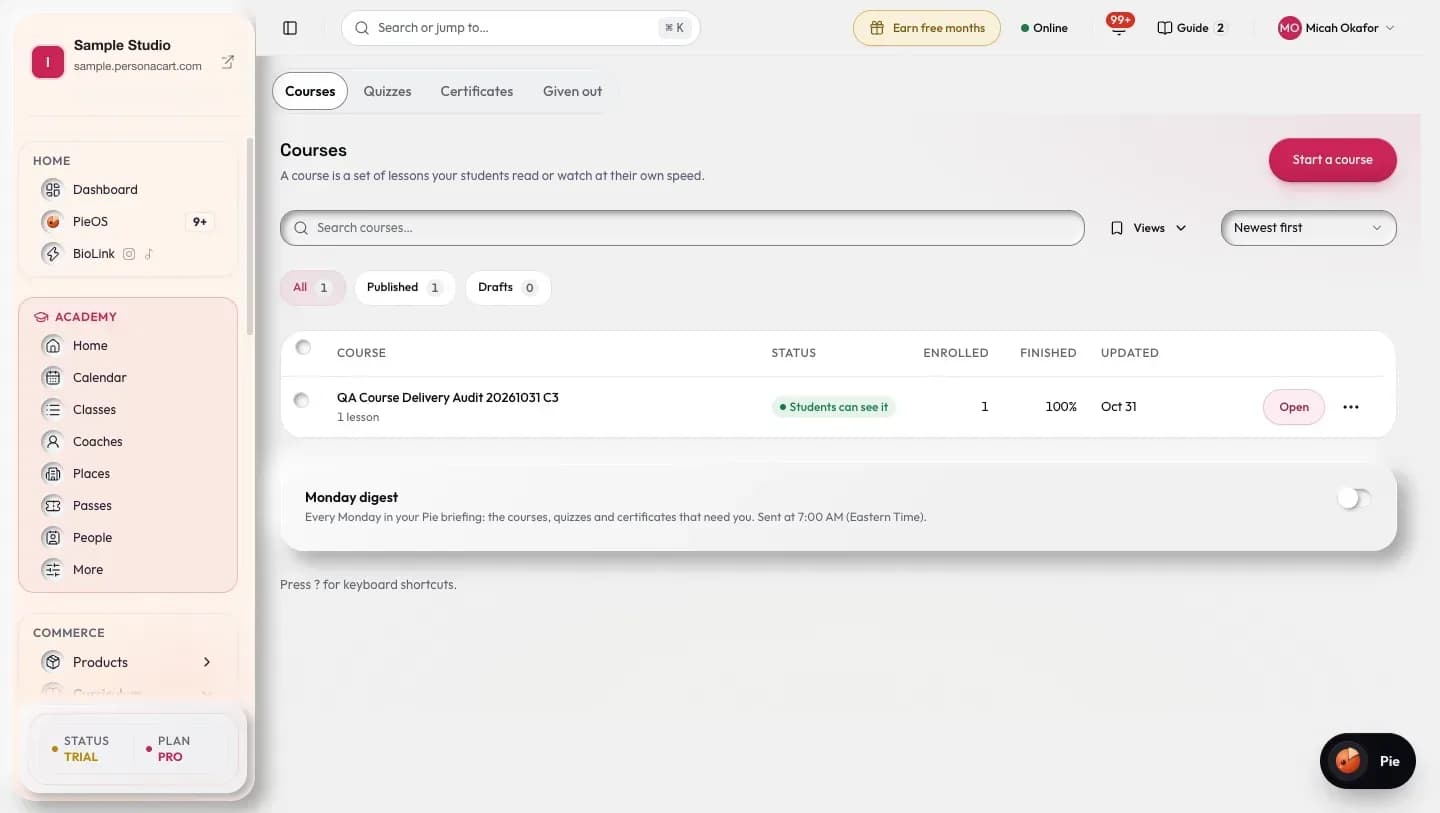
How the AI course creator builds your course
Type a topic. Pie drafts it. You edit and say yes.
What the AI course creator costs
- Starter$59 per month, billed monthlyor $49 a month billed yearly2% fee on sales
- Pro$149 per month, billed monthlyor $124 a month billed yearly0.5% fee on sales
- Scale$299 per month, billed monthlyor $249 a month billed yearlyNo fee on sales
- Courses: 3 on Starter, 5 on Pro, no limit on Scale. BioLink plans have none.
- Building a course uses your weekly AI allowance.
- It writes text only. A lesson can fail: press Regenerate. You edit every lesson.
Facts and sources
- In fall 2021, 61% of U.S. undergraduate students, about 9.4 million, took at least one distance education course. Source: National Center for Education Statistics, Fast Facts: Distance learning.
- U.S. e-commerce sales were $340.2 billion in the second quarter of 2026, or 17.1% of all retail sales (seasonally adjusted). Source: U.S. Census Bureau, Quarterly Retail E-Commerce Sales (Q2 2026).
Related: sell online courses · AI course generator · payment link for coaches
Last checked 17 Nov 2026.
Questions about creating a course with AI
What are the steps to create an online course?
Pick one topic you already teach, split it into modules, write a short lesson for each, add a quiz, set a price and publish. In PersonaCart, Pie drafts the outline, lessons and quizzes from your topic. You edit them, and students see nothing until you publish.
How does the AI build a course?
You type a topic. Pie drafts the outline, the lessons and a quiz for each module. Lessons appear as they are written, and you get an email when it is done. Nothing reaches students until you approve it.
Can I create an online course with AI for free?
Signing up needs no card, so you can start free. Building a course uses your weekly AI allowance, which depends on your plan, and BioLink plans do not include it. Pie drafts the course, you edit every lesson, and nothing reaches students until you approve it. See plans for current limits.
Will the course sound like me or like a robot?
It reads like a clear first draft, not like you. Edit any lesson, or ask Pie to tidy one you wrote. We cannot promise draft quality for your topic.
Can I edit everything the AI writes?
Yes. Every lesson, quiz and title is editable, and nothing is shown to students until you approve it.
How many courses can I have on each plan?
Starter has 3, Pro has 5 and Scale has no limit. BioLink plans have none.
Do students get a certificate?
Yes. A certificate is issued when a student finishes or passes the final quiz, and it has a public check page.
Can I release lessons over time?
Yes. Drip lessons release on a schedule you set, so students get a lesson at a time instead of everything on day one.
How do I create an online course for beginners?
Start with one topic you already teach. Type it in, and Pie drafts the outline, the lessons and a quiz for each module. Read each lesson, fix what is wrong, then publish when you are happy. Students see nothing until you publish. You can add drip release and a certificate afterwards.
Can I bring over a course I made somewhere else?
Yes, if it lives on Thinkific or Kajabi. Both have importers, with a preview before anything is saved and an undo if it looks wrong. Other tools are not covered by an importer.
Start your first course
No card needed.